
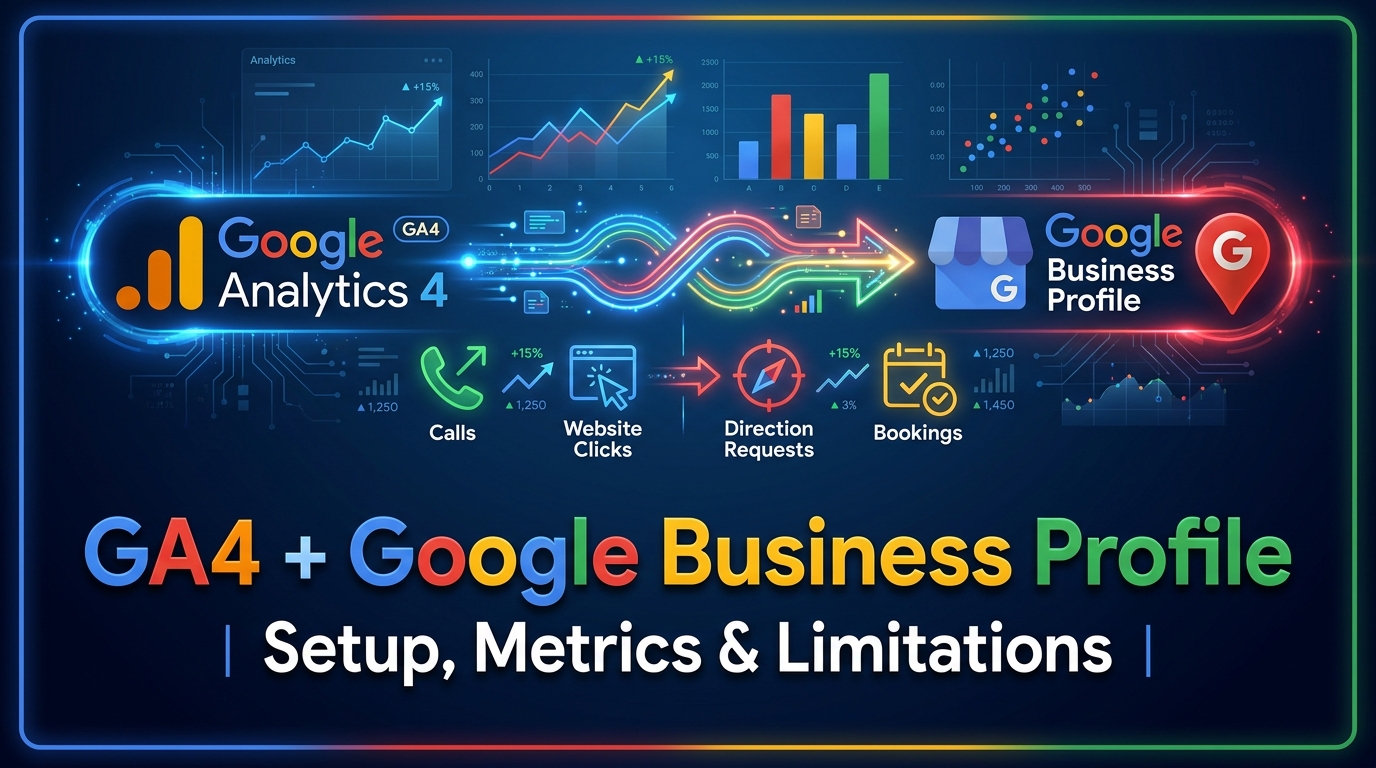
Google has officially introduced a native integration between Google Business Profile and Google Analytics 4 (GA4). This update solves one of the biggest reporting challenges faced by local SEO professionals, agencies, and business owners.
Until now, businesses relied heavily on UTM parameters to measure traffic coming from Google Business Profile. While UTM tracking could identify users who clicked through to the website, it provided no visibility into actions that happened directly on Google Search or Google Maps.
Important customer interactions such as phone calls, direction requests, appointment bookings, and messages happened outside the website and therefore remained disconnected from traditional analytics reports.
With the new integration, businesses can now combine off-site local engagement signals with on-site website behaviour. This provides a much clearer picture of how customers discover and interact with a business before converting.
What Does the Google Business Profile and GA4 Integration Do?
Once the connection is established, GA4 automatically creates a dedicated Google Business Profile reporting section within the Reports menu.
Instead of switching between Google Analytics and the Google Business Profile dashboard, users can access key local engagement metrics from one central location.
The integration imports first-party data from Google Search and Google Maps directly into GA4, helping businesses better understand how their profile contributes to leads, traffic, and conversions.
This integration is particularly valuable for:
Local businesses
Multi-location brands
SEO agencies
Franchise operators
Service-area businesses
Businesses investing in local advertising
Because actions such as phone calls and direction requests often occur near the end of the customer journey, they provide stronger buying-intent signals than standard website visits.
Key Benefits of the GA4 and Google Business Profile Integration
Centralised Reporting
Previously, businesses needed to switch between several platforms to review local performance. The new integration consolidates reporting inside GA4, reducing complexity and making analysis easier.
Better Visibility Into Local Customer Intent
Businesses can now measure how customers interact with their profile through actions such as:
Website visits
Calls
Direction requests
Messages
Bookings
These interactions help marketers understand which channels are generating highly qualified leads.
Improved Marketing Analysis
Businesses running local SEO or Google Ads campaigns can now compare profile engagement with their marketing activities.
For example, an increase in advertising spend may coincide with higher numbers of phone calls or direction requests.
Understanding the Complete Customer Journey
Customers rarely convert immediately after landing on a website. Many users interact with a Google Business Profile first.
This integration helps connect those early local interactions with later website activity, creating a more complete picture of the conversion process.
Multi-Location Reporting
Businesses with several branches can connect multiple Business Profiles to a single GA4 property and monitor overall performance from one location.
Although location-specific segmentation is currently limited, centralised reporting simplifies management for larger organisations.
Seven Google Business Profile Metrics Available in GA4
1. Interactions
Interactions represent the total number of engagements with your Business Profile across Google Search and Google Maps.
2. Website Clicks
Website Clicks measure how many users visit your website directly from your profile. These visitors are often highly qualified because they have already shown interest in your business.
3. Calls
The Calls metric tracks phone calls initiated through the call button on your Business Profile.
For service-based businesses, phone calls are often one of the most valuable conversion signals.
4. Directions
Direction requests indicate that users are actively looking for your physical location.
This metric is especially important for:
Restaurants
Medical clinics
Retail stores
Showrooms
Hospitality businesses
5. Messages
The Messages metric records conversations started through supported messaging features.
Customer enquiries often indicate strong purchase intent.
6. Bookings
Bookings track appointments made through integrated scheduling systems.
Businesses such as salons, clinics, and consultants can use this metric to measure lead generation effectiveness.
7. Menu Views
Restaurants and hospitality businesses can monitor interactions with menu-related content.
Even if your business category does not support menus, GA4 still displays the metric, which may appear with zero values.
How to Connect Google Business Profile to GA4
Before beginning the setup process, ensure you have the required permissions.
Required Access Levels
For Google Analytics 4:
Editor access, or
Administrator access
For Google Business Profile:
Owner access, or
Manager access
Without these permissions, the integration cannot be completed.
Step-by-Step Setup Process
Step 1: Open your Google Analytics 4 property.
Step 2: Navigate to the Admin section.
Step 3: Under Product Links, select Google Business Profile Links.
Step 4: Click the Link button.
Step 5: Choose the Business Profile or profiles you want to connect.
Step 6: Review Google's data-sharing information.
Step 7: Confirm the connection.
For additional setup instructions and Google's latest requirements, refer to the official Google support documentation. Once completed, a dedicated Google Business Profile reporting collection will appear automatically inside GA4.
Can You Connect Multiple Business Profiles?
Yes. Google allows a single GA4 property to connect with multiple Business Profiles.
This feature is useful for:
Franchise businesses
Retail chains
Businesses with multiple offices
National brands with regional locations
However, all imported metrics are combined into one dataset.
How to Remove the Integration
If you decide to disconnect Google Business Profile from GA4, follow these steps:
Open GA4 Admin.
Select Google Business Profile Links.
Locate the connection you want to remove.
Click the three-dot menu.
Select Delete.
Only users with Editor or Administrator permissions can remove existing links.
Important Limitations You Should Understand
Although the integration provides valuable reporting improvements, it still has several limitations that analysts should understand.
Six-Month Data Retention
Google stores imported Business Profile metrics for only six months.
Unlike normal GA4 event data, which can be retained for up to fourteen months, Business Profile data disappears after the rolling six-month period.
Businesses requiring long-term analysis should consider exporting data to:
Looker Studio
BigQuery
External reporting platforms
Aggregated Multi-Location Data
Businesses with multiple locations cannot currently separate metrics by individual branches.
All connected profiles are merged into one combined dataset.
No Support for Explorations
Business Profile metrics are currently restricted to Standard Reports.
They cannot be used inside:
Explorations
Custom reports
Comparisons
Segments
Filters
No Selective Data Sharing
Google automatically imports all seven metrics.
Businesses cannot choose which metrics to include or exclude.
Subproperties Are Not Supported
The integration only works with standard GA4 properties.
Reporting Delays
Changes made to Business Profile information may take several days before appearing inside Google Analytics reports.
How Businesses Can Use This Data
The new integration helps answer several important questions:
How many people call the business directly from Google?
Are local SEO campaigns generating direction requests?
Which marketing activities increase bookings?
Is profile engagement improving over time?
Are local advertising campaigns driving real-world actions?
Combining these insights with website analytics creates a more complete understanding of customer behaviour.
Why This Integration Matters for Local SEO
Local SEO has traditionally focused on rankings and website traffic. However, many valuable customer interactions happen before users ever visit a website.
Phone calls, messages, and direction requests often represent stronger commercial intent than page views.
By bringing these signals into GA4, businesses can better evaluate:
Local SEO performance
Google Ads campaigns
Brand visibility
Customer engagement
Conversion opportunities
This makes reporting more meaningful and enables marketers to move beyond traditional traffic metrics.
Businesses looking to maximise these insights and strengthen their local visibility often work with Surch Marketing, a top SEO agency in Singapore, to improve their overall digital marketing performance.
Frequently Asked Questions
How do I link Google Business Profile to GA4?
Open GA4, go to Admin → Product Links → Google Business Profile Links, and follow the setup process. Appropriate permissions are required on both platforms.
Why can't I use Google Business Profile metrics in Explorations?
Google currently restricts these metrics to Standard Reports only. They cannot be used in Explorations, segments, comparisons, or filters.
How long is Google Business Profile data retained in GA4?
Imported Business Profile data is stored for six months using a rolling retention window.
Can one GA4 property connect to multiple Business Profiles?
Yes. Multiple Business Profiles can be linked to a single GA4 property, although the data is aggregated rather than separated by location.
Does the integration support GA4 subproperties?
No. Google has confirmed that Business Profile integrations are only available for standard GA4 properties.
Are updates reflected instantly?
No. Address changes and profile updates may take several days before appearing inside GA4 reports.