
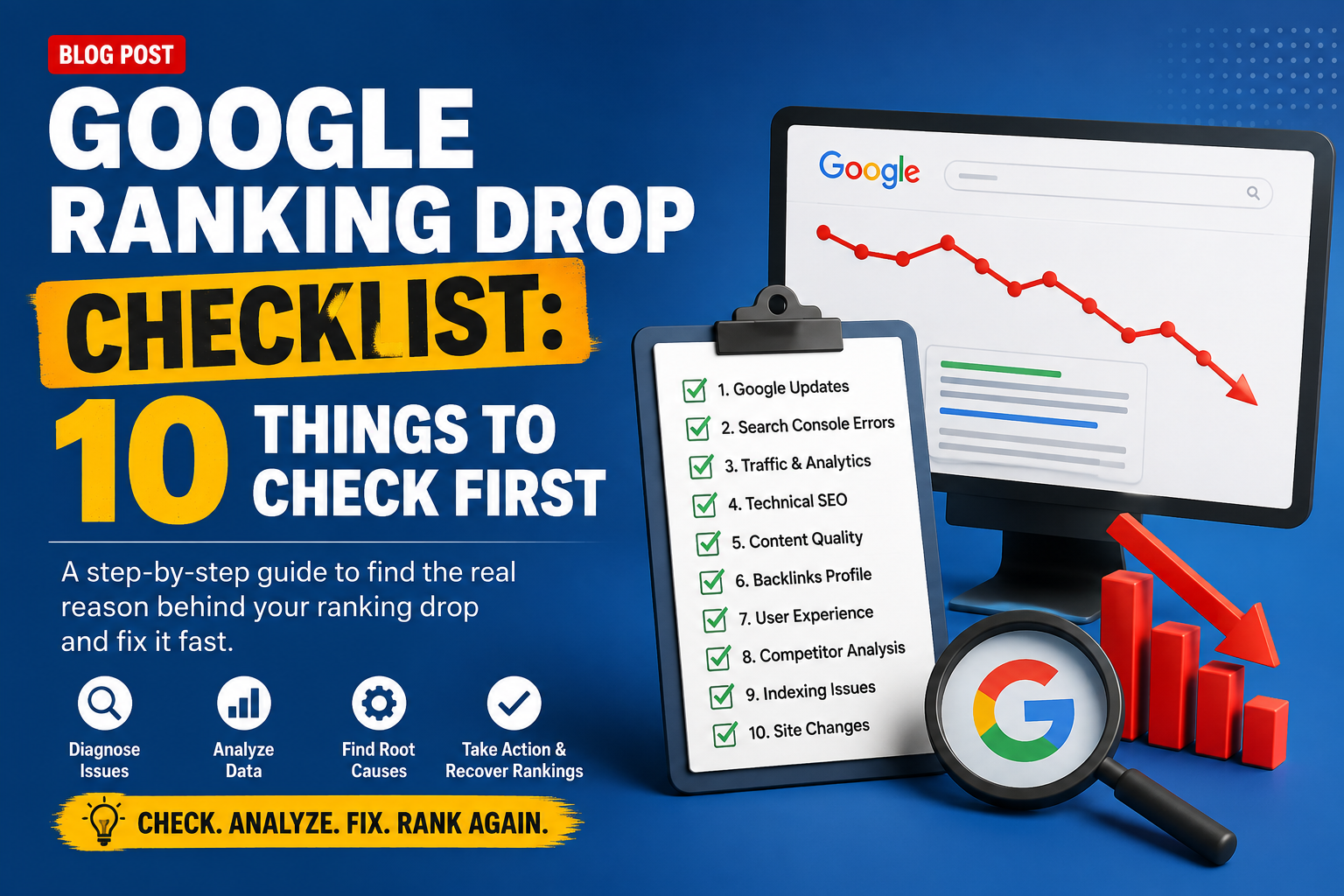
Seeing your rankings fall can feel alarming, especially when nothing seems to have changed on your end. But a google ranking drop almost always has a cause — you just need to know where to look. If you're asking yourself "why did my google ranking drop," work through this checklist before jumping to conclusions or making drastic changes.
1. Confirm the Drop Is Real
Before panicking, verify the drop using more than one source. Check Google Search Console's Performance report alongside a dedicated rank tracker, since occasional discrepancies or temporary fluctuations can look worse than they actually are. Make sure you're comparing the same date ranges and not reacting to normal day-to-day noise.
2. Check for Recent Google Algorithm Updates
Search engines regularly roll out algorithm updates that can shift rankings industry-wide, sometimes with no direct connection to anything on your site. If my google rankings dropped around the same time as a known update, the update itself may be the primary cause, and recovery often depends on aligning more closely with what the update now prioritises.
3. Look for Manual Actions or Penalties
In Google Search Console, check the "Manual Actions" section under Security & Manual Actions. A manual penalty — often triggered by spammy backlinks, thin content, or violations of Google's guidelines — can cause a sudden, significant ranking drop that won't recover until the issue is fixed and a reconsideration request is submitted.
4. Review Recent Site Changes
Think back to any recent changes: a site redesign, URL structure changes, content updates, plugin changes, or a migration. Even small technical changes can unintentionally affect crawlability, page speed, or indexability, leading to ranking drops shortly after implementation.
5. Check Indexability and Crawl Errors
Confirm that the affected pages are still indexed and haven't been accidentally blocked via robots.txt, a noindex tag, or a canonical tag pointing elsewhere. Crawl errors or a spike in blocked pages can quietly cause rankings to slip without any obvious warning.
6. Inspect Page Speed and Core Web Vitals
Since page experience factors into rankings, check whether your Core Web Vitals (LCP, FID, CLS) have worsened. A site update, new plugin, or added script can slow down load times without you noticing immediately.
7. Check for Broken Links or Technical Errors
Broken internal links, unexpected 404 errors, or redirect chains can hurt both user experience and crawl efficiency. Run a full site crawl to catch these issues, especially if they've appeared on pages that were previously ranking well.
8. Assess Content Relevance and Freshness
Search intent and competitor content evolve over time. If competing pages have been updated with more comprehensive, relevant, or recent information, your page may have lost ground simply by standing still while others improved.
9. Review Your Backlink Profile
Check whether you've lost valuable backlinks recently, or gained a batch of low-quality, spammy links that could be dragging down your site's trust signals. Sudden negative changes in your backlink profile can directly impact rankings.
10. Compare Against Competitors
Look at who's currently outranking you for the affected keywords. Sometimes the issue isn't that your page got worse — it's that a competitor's page got significantly better, more comprehensive, or more optimised for current search intent.
How to Get Your Google Rankings Back
Once you've identified the likely cause, focus on fixing it directly rather than making broad, unrelated changes. If it's a technical issue, resolve it and monitor for recovery over the following weeks. If it's content-related, improve depth and relevance to match what's currently ranking well. If you're wondering how to get google rankings back if positions dropped due to an algorithm update, focus on the update's known priorities (such as content quality or page experience) rather than trying to reverse-engineer a quick fix. Recovery is rarely instant, so consistent monitoring matters more than one-off changes.
Diagnose Ranking Drops Faster with Surch's Website Audit Tool
Working through a checklist manually takes time, and it's easy to miss a smaller technical issue buried in your site. Surch's Website Audit Tool helps you pinpoint exactly what's behind a ranking drop, with:
A full site crawl to catch broken links, blocked pages, and indexability issues
Core Web Vitals tracking (LCP, FID, CLS) to spot page experience problems
HTTPS and security status checks
A prioritised Top Issues list so you know what to fix first
Historical health score tracking to see whether your fixes are actually working over time
Instead of manually working through every possible cause, Surch's Website Audit Tool surfaces the technical issues most likely behind your drop, so you can act quickly and start recovering rankings with confidence.
Run a Website Audit Now with Surch's Website Audit Tool.