
Understanding which keywords your website ranks for is an important part of building an effective SEO strategy. Many businesses invest in keyword research, content creation and website optimisation without knowing which search terms are already generating visibility on Google.
Your website may appear in search results for hundreds of relevant queries, including keywords you have never intentionally targeted. Some might generate impressions without clicks, while others might rank on the second or third page of Google and have the potential to attract more organic traffic.
Finding these keywords helps you understand how Google interprets your website, identify content improvement opportunities and discover new ways to reach potential customers.
For businesses in Singapore, this information is particularly valuable. Understanding which local and industry-specific search terms generate visibility can help businesses improve their search presence and connect with customers looking for relevant products and services.
In this guide, we explain how to find the keywords your website is ranking for using Google Search Console, dedicated SEO tools and competitor analysis. You will also learn how to evaluate keyword performance and identify opportunities to improve your organic visibility.
Why Should You Know Which Keywords Your Website Ranks For?
Before investing in new keywords, it is important to understand how your website currently performs in organic search results.
Your existing keyword rankings provide useful information about the search terms Google associates with your website and the pages appearing for those queries.
Here are five reasons why monitoring existing keyword rankings matters.
1. Discover Existing Organic Search Opportunities
Your website may already rank for relevant keywords without having dedicated content targeting every search term.
For example, a Singapore digital marketing agency might discover that its website appears for searches such as:
SEO services for small businesses
Digital marketing agency Singapore
Website SEO audit services
Technical SEO services
Keyword ranking checker
These queries can reveal opportunities to improve existing landing pages, create supporting content or expand coverage of relevant topics.
Instead of starting your SEO strategy from scratch, you can use existing ranking data to identify where your website already has search visibility.
2. Identify Keywords Ranking on the Second Page
Keywords ranking between positions 11 and 20 can represent opportunities for further optimisation.
These keywords already generate search visibility, but their associated pages may need improvements to compete more effectively in search results.
For example, a service page ranking at position 14 for a relevant commercial keyword may benefit from:
Better alignment with search intent.
More comprehensive service information.
Relevant internal links.
Clearer page titles and headings.
Stronger evidence of experience and expertise.
However, a second-page ranking does not guarantee a first-page position. The opportunity depends on keyword competition, relevance and the quality of the existing page.
3. Find Keywords Generating Impressions but Few Clicks
Some keywords generate impressions without attracting many visitors.
This happens when your website appears in search results but users choose another result.
Reviewing these queries can help identify whether your page title, meta description or content needs improvement.
For example, if a page receives impressions for searches related to website audit services but very few clicks, investigate whether its search snippet accurately communicates the value of the page.
Do not immediately change the title. First, examine the competing search results and understand what users expect to find.
4. Understand Your Website's Search Visibility
Keyword rankings help you understand which topics your website performs well for and where your content has limited visibility.
You can use this information to evaluate content performance, identify gaps and plan future SEO activities based on actual search data rather than assumptions.
5. Discover Unexpected Keyword Opportunities
Sometimes Google associates your website with queries that are not part of your original keyword strategy.
For example, a page about technical SEO audits might also appear for searches related to website speed, indexing problems or broken links.
These unexpected queries can help identify additional content opportunities.
However, always check whether the queries are relevant to your business before creating new content around them.
How to Find Which Keywords Your Website Is Ranking For
There are several ways to discover your website's ranking keywords. Google Search Console is the most useful starting point because it provides actual Google Search performance data for your verified website.
Dedicated SEO platforms can complement this information by providing keyword tracking, historical ranking movements and competitor analysis.
Method 1: Use Google Search Console to Find Your Ranking Keywords
Google Search Console (GSC) is a free tool that helps website owners understand how their websites perform in Google Search.
Its Performance report provides information about the queries that generate impressions and clicks for your website.
Follow these steps to find your existing ranking keywords.
Step 1: Open Google Search Console
Visit Google Search Console and select the website property you want to analyse.
If your website has not been verified, complete the property verification process before accessing its performance data.
Step 2: Open the Performance Report
Navigate to:
Performance → Search results
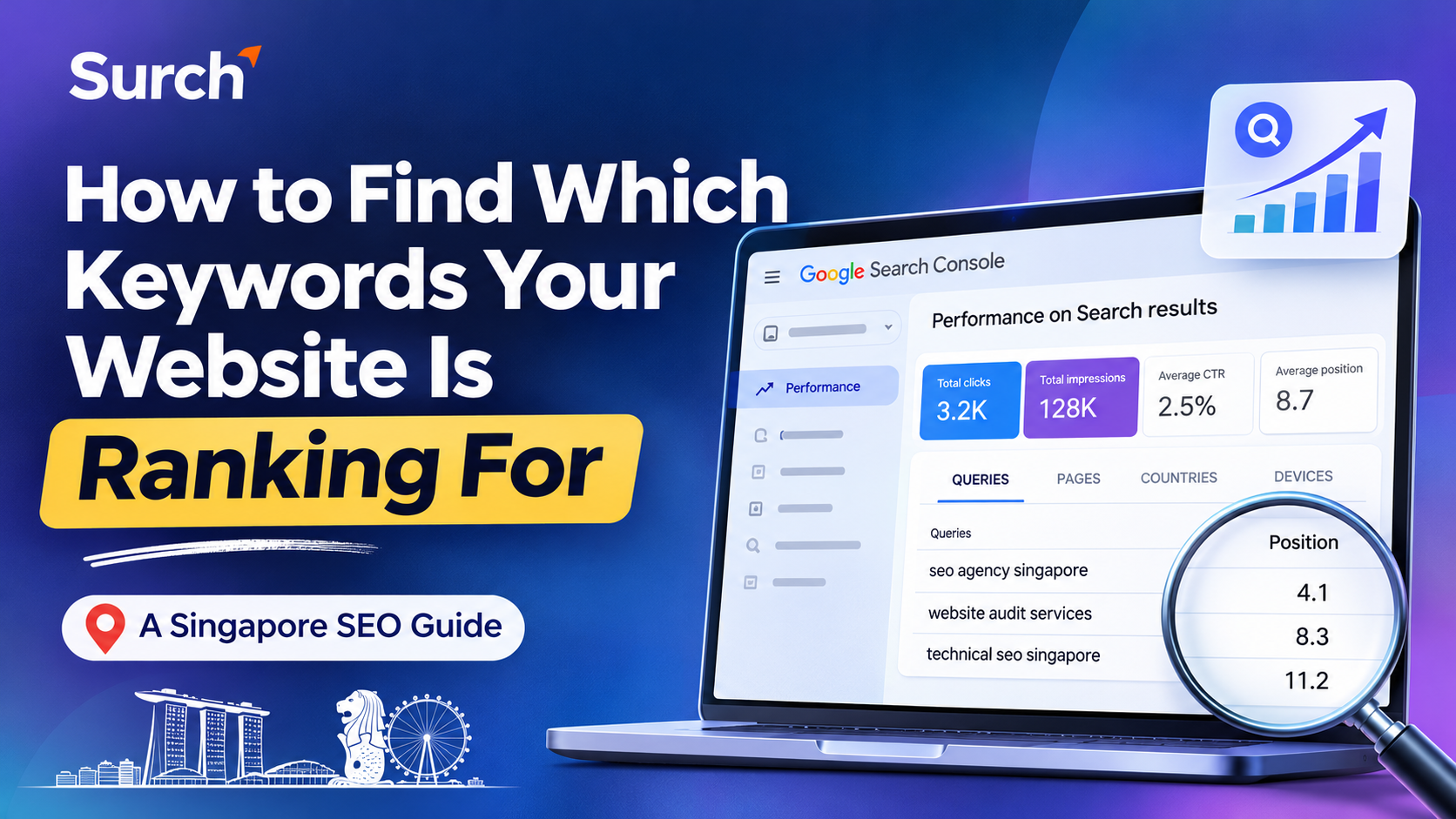
You will see a performance dashboard containing four important metrics:
Total clicks
Total impressions
Average CTR
Average position
These metrics help you understand how your website performs in Google Search.
Step 3: Select the Queries Tab
Scroll down to the performance table and select the Queries tab.
This section displays search queries for which Google showed your website in search results.
You can review the queries individually and identify the keywords generating organic visibility.
For example:
| Search query | Impressions | Clicks | Average position |
|---|---|---|---|
| SEO agency Singapore | 450 | 12 | 8.5 |
| Website audit services | 320 | 5 | 11.2 |
| Technical SEO audit | 210 | 3 | 14.6 |
| Keyword ranking checker | 180 | 2 | 18.4 |
Note: These are illustrative figures, not actual Surch website performance data.
This information helps you understand which search terms are generating visibility and where optimisation may be required.
Step 4: Analyse Keywords Using Different Metrics
Do not focus only on clicks.
Review all four metrics to understand different aspects of keyword performance.
Impressions: How often your website appeared in Google Search results.
Clicks: How many times users clicked your website from search results.
CTR: The percentage of impressions that resulted in clicks.
Average position: The average position of your topmost result across the impressions included in the report.
For example, a keyword with 500 impressions, 2 clicks and an average position of 15 may indicate an opportunity to improve the associated page.
However, average position is not a fixed ranking. It can vary according to queries, locations, devices and search result conditions.
Step 5: Filter Keywords by Page
The Pages and Queries reports can be used together to understand which keywords are associated with specific website URLs.
For example, select a particular page in the Pages tab and then review the Queries tab.
You can identify the search terms Google associates with that page and understand whether they match its intended keyword targeting.
This is particularly useful when analysing service pages, product pages and blog articles.
It can also help identify situations where multiple URLs appear for similar queries and may require further content or keyword targeting analysis.
Step 6: Analyse Keywords by Country and Device
If your business targets customers in Singapore, use the Country filter to review Singapore-specific search performance.
You can also compare desktop and mobile performance using the Device filter.
This helps you understand whether your website receives different levels of visibility across locations and devices.
One important limitation: Google Search Console does not necessarily display every search query. Some queries are omitted for privacy reasons, and report tables can have data limits. Therefore, the Queries report should be treated as a valuable sample of your search performance rather than a complete list of every keyword your website ranks for.
Method 2: Use an SEO Rank Tracking Tool
Google Search Console provides actual search query performance data, but businesses may also need more detailed keyword tracking capabilities.
A dedicated rank tracking tool can help monitor selected keywords, compare ranking movements and understand how search visibility changes over time.
The general process involves:
Add your website domain to the SEO platform.
Create a project for your website.
Add the keywords you want to monitor.
Select the target search engine and location.
Choose the relevant device type.
Review the keyword ranking dashboard.
Monitor changes in ranking positions over time.
For example, a business operating in Singapore may want to monitor the same keyword across different locations or devices.
A location-specific tracking approach helps businesses understand whether their website performs consistently across the areas they want to target.
Unlike Google Search Console, which reports average position based on actual search impressions, a rank tracker checks selected keywords using its own tracking methodology.
Therefore, the results from these tools may not always match.
Method 3: Find Ranking Keywords Using Competitor Analysis
Another useful way to understand your website's keyword performance is to compare it with competing websites.
Your competitors may already rank for relevant keywords that your website has not targeted effectively.
Competitor keyword research helps identify these gaps and discover additional content opportunities.
Follow this process.
Step 1: Identify Your Organic Competitors
Search Google for your main products or services and identify websites that consistently appear in relevant results.
For a Singapore SEO agency, competitors might include other digital marketing agencies targeting similar services and customers.
Remember that organic competitors are not always your direct business competitors. A publisher or software platform may compete with your website for specific informational keywords.
Step 2: Analyse Competitor Domains
Use SEO platforms such as Ahrefs or Semrush to investigate competitor websites.
Enter a competitor's domain into its organic keyword research tool.
Depending on the platform and available data, you can discover:
Keywords generating organic visibility.
Pages receiving estimated organic traffic.
Ranking positions for selected queries.
Keywords shared between websites.
Keywords competitors rank for but your website does not.
Step 3: Identify Keyword Gaps
Compare your website's keyword profile with those of your competitors.
For example:
| Keyword | Your website | Competitor |
|---|---|---|
| SEO audit Singapore | Position 18 | Position 6 |
| Website ranking checker | Position 12 | Position 4 |
| Technical SEO services | Not found in tracked set | Position 9 |
Illustrative comparison only.
This comparison can help identify keywords where competitors have stronger visibility.
Step 4: Evaluate Keyword Relevance
Do not target every keyword your competitors rank for.
Focus on keywords relevant to your services, products and target customers.
A competitor may rank for thousands of unrelated queries, but only a small portion may be valuable to your business.
Method 4: Use Google Search to Check Specific Keyword Rankings
If you want to check the ranking of a specific keyword, you can also perform a manual Google search.
For example, a Singapore business targeting the keyword "SEO agency Singapore" can search for that term and review the results.
However, manual searches should not be treated as a complete keyword tracking method.
Search results can vary based on location, device, language and personalisation.
For more reliable monitoring, use Google Search Console and a dedicated rank tracking platform.
How to Identify Which Ranking Keywords Have the Best SEO Opportunities
Finding your ranking keywords is only the first step. The next step is understanding which keywords deserve attention.
Not every keyword generating impressions will bring valuable traffic or business enquiries.
Use the following criteria to prioritise your keyword opportunities.
1. Prioritise Relevant Keywords
Start by identifying keywords closely related to your products and services.
For example, a Singapore SEO agency should prioritise queries related to SEO services, website optimisation, technical SEO and keyword tracking.
A keyword generating impressions is not automatically valuable if it attracts an audience unrelated to your business.
2. Review Average Ranking Positions
Group your keywords according to their average positions.
| Ranking position | Recommended action |
|---|---|
| 1–3 | Protect rankings and monitor performance |
| 4–10 | Review CTR and strengthen content |
| 11–20 | Investigate optimisation opportunities |
| 21–50 | Evaluate relevance and content gaps |
| 51+ | Review search intent, competition and page relevance |
These are practical prioritisation groups, not guaranteed ranking-improvement thresholds.
3. Identify High-Impression, Low-CTR Keywords
Keywords with substantial impressions but limited clicks deserve further investigation.
Review the corresponding search results and compare your page title and description with competing listings.
Make sure the search snippet accurately communicates what users will find on your page.
Avoid changing titles simply to include more keywords. The objective is to improve relevance and encourage qualified clicks.
4. Check Search Intent
A keyword may have good visibility but still fail to generate meaningful results if your page does not match the searcher's expectations.
Search intent generally falls into four categories:
Informational: Users want answers or explanations.
Navigational: Users want to find a particular website or brand.
Commercial: Users are researching and comparing solutions.
Transactional: Users are ready to purchase or take action.
For example, someone searching for "what is technical SEO" probably expects an educational article, while someone searching for "SEO services Singapore" may be looking for an agency.
Your content should match the intent behind the search query.
5. Investigate Keyword Cannibalisation
Sometimes multiple pages on your website appear for similar search queries.
This can create confusion when several URLs target the same search intent without providing distinct value.
Use Google Search Console to filter a query and check the Pages tab. This helps identify which URLs Google has shown for that query.
Review whether the pages serve different purposes or whether their content overlaps unnecessarily.
Depending on the situation, you may need to differentiate the content, improve internal linking or consolidate genuinely overlapping pages.
How Often Should You Check Your Website's Keyword Rankings?
Keyword monitoring should be part of your regular SEO process rather than an activity performed only when traffic declines.
The ideal frequency depends on your website, industry competition and SEO objectives.
For most businesses, a practical monitoring schedule is:
Weekly: Review important keyword movements and unexpected changes.
Monthly: Analyse keyword performance, impressions, clicks and CTR.
Quarterly: Review keyword targeting, competitor visibility and content opportunities.
For websites operating in competitive industries, more frequent rank tracking may be useful.
However, avoid making major SEO decisions based on one day's ranking movement. Look for consistent trends across a reasonable reporting period.
Track Your Website's Keyword Rankings with Surch Marketing
Discovering your existing ranking keywords is an important part of understanding your website's organic search performance. However, manually checking rankings across different keywords, locations and devices can become time-consuming.
Surch Marketing provides SEO tools that help businesses monitor website rankings and analyse search performance through a centralised platform.
With Surch's Website Ranking Checker, you can:
Track keyword positions across Google and Bing.
Monitor rankings by country, city and device.
Review daily and weekly ranking trends.
Analyse keyword movements over different time periods.
Identify opportunities to improve search visibility.
Monitor branded and non-branded keyword performance.
The platform also provides an AI-powered assistant integrated with Google Search Console and Google Analytics, allowing users to ask questions about website traffic, rankings and keyword performance.
Whether you manage a business website or multiple client projects, having access to organised ranking data can make SEO monitoring more efficient.
Explore Surch's Website Ranking Checker to understand how you can monitor keyword performance and improve your website's search visibility.
Frequently Asked Questions
1. How can I find which keywords my website ranks for?
You can find your website's ranking keywords using Google Search Console. Open the Performance report, select Search results and review the Queries tab. It displays the search queries generating impressions and clicks for your website.
2. Can I find my website's ranking keywords for free?
Yes. Google Search Console is free and provides information about the queries that generate visibility for your verified website. It includes clicks, impressions, CTR and average position.
3. How do I check how many keywords my website ranks for?
You can use Google Search Console to review the Queries report and count the unique queries shown for your selected reporting period. Dedicated SEO platforms can also estimate the number of organic keywords a website ranks for within their tracked databases. These totals may differ because the tools use different data sources and methodologies.
4. Can I check which keywords my competitors rank for?
Yes. Platforms such as Ahrefs and Semrush offer competitor organic keyword research features. Enter a competitor's domain to discover keywords for which it has estimated organic visibility and identify potential keyword gaps.
5. Why does Google Search Console show different rankings from an SEO rank tracker?
Google Search Console reports average position based on actual search impressions. Rank tracking tools monitor selected keywords using their own search collection methods, locations and devices. Differences in methodology, timing and search conditions can result in different ranking positions.
6. How often should I monitor keyword rankings?
You can review important keywords weekly and perform a more detailed analysis monthly. Quarterly reviews can help you identify content gaps, competitor changes and new keyword opportunities.
7. Can I check keyword rankings for a specific location in Singapore?
Yes. You can use Google Search Console's Country filter to analyse Singapore-specific search performance. Dedicated rank tracking tools can also provide more granular location-based monitoring, depending on their supported features.
8. Should I optimise existing pages or create new content for keywords I already rank for?
It depends on search intent and the relevance of your existing content. If an existing page already satisfies the search intent, improving that page may be more appropriate. If the keyword represents a distinct topic that your website does not adequately cover, creating a new page may be justified.
Conclusion
Finding which keywords your website is ranking for helps you understand your existing organic search visibility and identify opportunities for SEO growth.
Start with Google Search Console to discover actual search queries, review impressions and clicks, and identify keywords that could benefit from further optimisation. Use dedicated SEO platforms when you need more detailed ranking history, location-based monitoring or competitor keyword research.
Most importantly, focus on keywords that match your business objectives and search intent rather than chasing rankings for every available query.
By regularly analysing your ranking keywords and improving the pages associated with them, you can build a more informed SEO strategy and create better opportunities to attract relevant organic traffic.