
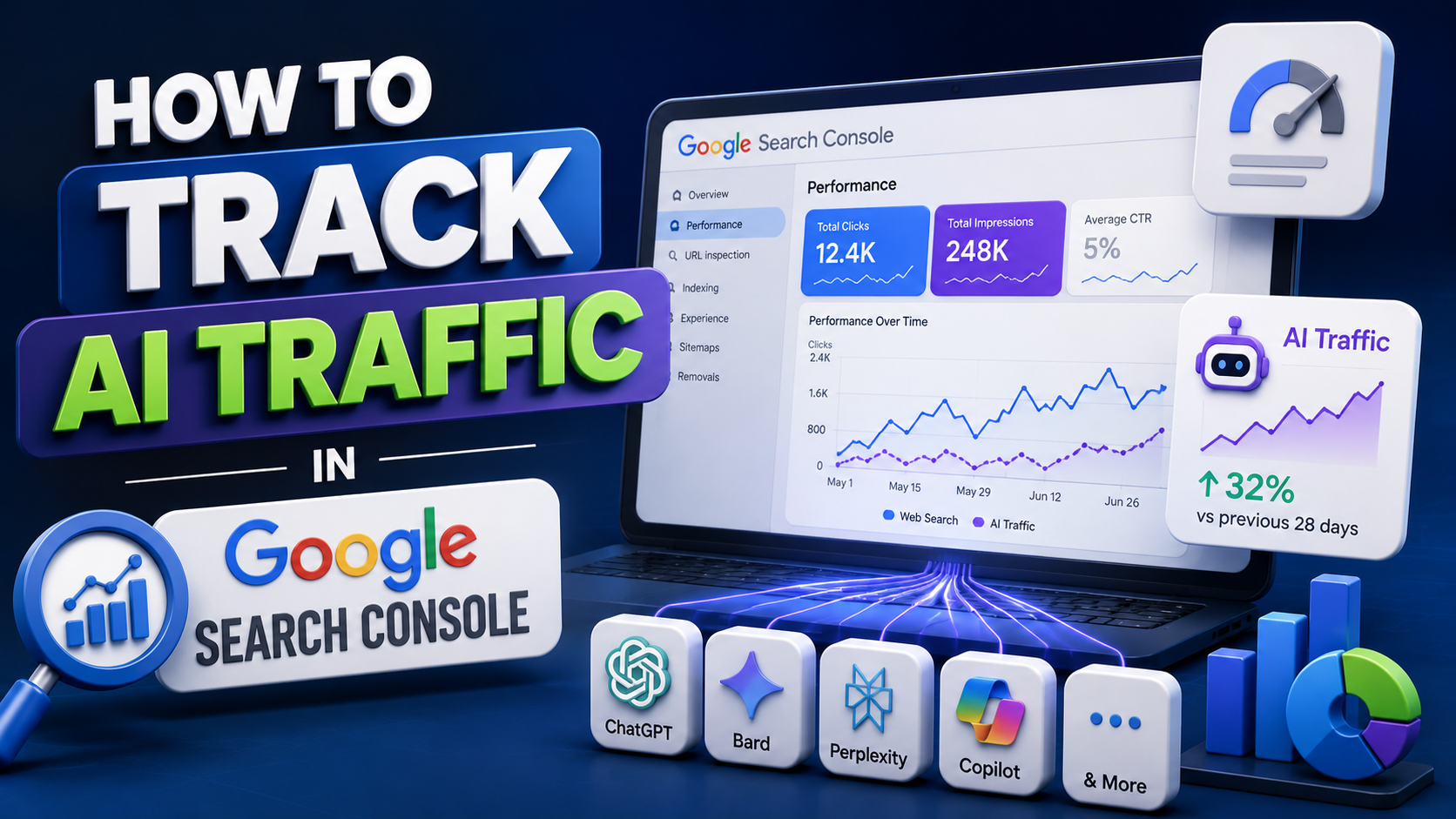
Search behaviour is changing faster than most marketers can keep up with. People are no longer typing queries only into the traditional search bar. They are asking questions through AI chatbots, voice assistants, and generative search tools that summarise answers instead of listing ten blue links. This shift has created a new challenge for website owners: how do you actually measure traffic coming from these AI-driven sources?
Google Search Console remains one of the most reliable tools for understanding where your visitors come from, but it was not originally built with AI referral tracking in mind. The good news is that with a few adjustments and a sharper eye on your data, you can start identifying AI-driven traffic patterns and use them to refine your search strategy.
This guide walks you through practical methods to track AI traffic in Google Search Console, interpret what the numbers mean, and make informed decisions based on that data.
Why Tracking AI Traffic Matters Now
The way people find information online is shifting, with AI-driven tools now playing a growing role in surfacing content. Tools like AI Overviews, chat-based assistants, and answer engines are pulling information directly from websites and presenting it to users without always requiring a click-through.
This means:
Your content might be getting seen and used by AI systems even if it does not show a corresponding spike in your traditional click data.
Referral traffic from AI platforms can behave differently than traditional organic traffic, often with different engagement patterns.
Websites optimised with the right structure and clarity tend to get pulled into AI-generated answers more often.
Understanding this shift is where a well-rounded seo audit tools approach becomes valuable, since it helps you evaluate whether your site is technically and structurally ready to be picked up by AI-driven discovery systems in the first place.
Setting Up Google Search Console for Better Visibility
Before diving into AI-specific tracking, make sure your Search Console property is set up correctly.
Verify Your Property Type
Use a domain property rather than a URL-prefix property wherever possible. Domain properties capture data across all subdomains and protocols, giving you a fuller picture of incoming traffic, including any unusual referral sources tied to AI platforms.
Check Your Sitemap Submission
An updated XML sitemap helps search engines and AI crawlers understand your site structure. If your sitemap is outdated or incomplete, some pages may not get indexed properly, which limits their chances of appearing in AI-generated results.
Review Crawl Activity Regularly
Under the Settings tab, the Crawl Stats report shows which bots are visiting your site. While Search Console does not label every AI crawler individually, you can cross-reference this data with your server logs to spot patterns linked to AI-related user agents.
How to Identify AI Traffic Signals in Search Console
Google Search Console does not yet offer a dedicated filter labelled “AI traffic,” so identifying it requires a bit of detective work.
1. Monitor the Performance Report for Unusual Query Patterns
Go to the Performance report and look at your Queries tab. AI-driven traffic often correlates with longer, more conversational search phrases rather than short keyword-style searches. If you notice an increase in question-based queries, this can indicate that your content is being surfaced through answer-style search experiences.
2. Compare Impressions vs Clicks
One noticeable pattern with AI Overviews and similar features is a rise in impressions without a proportional rise in clicks. This happens because users often get their answer directly from the AI summary without visiting the source page. Tracking this gap over time can help you understand how much visibility you are gaining even when direct clicks stay flat.
3. Segment by Page and Device
Filter your data by individual pages to see which ones are generating high impressions with low click-through rates. These pages are strong candidates for being pulled into AI-generated summaries. Reviewing device-level data also helps, since AI search experiences are frequently accessed through mobile devices.
4. Cross-Check with Analytics Referral Data
Search Console alone will not show you referral sources from AI chat tools. Pairing it with your analytics platform lets you check for referral traffic coming from AI-related domains. This combined view gives a clearer picture of how your integrating AI-powered SEO strategy is performing across both traditional and AI-driven search environments.
What Makes Content Easy for AI Tools to Understand?
Site owners often assume ranking well traditionally is enough to appear in AI-generated answers too. In reality, AI systems read and interpret content differently than a typical search crawler, which means the way information is presented matters a great deal.
A few factors tend to make content easier for AI tools to pick up and summarise accurately:
Descriptive headings that clearly signal what each section covers, rather than vague or clever phrasing that requires context to understand.
Direct answers placed early, so the core information is not buried under lengthy introductions or unrelated details.
Correctly implemented structured data, which gives search engines a clearer, machine-readable understanding of the page.
Fast, mobile-friendly pages, since technical performance continues to influence how content is crawled and surfaced.
Content that is logically organised, backed by accurate information, and simple to scan tends to hold an advantage, both in traditional rankings and in AI-generated summaries.
Practical Steps to Improve AI Traffic Visibility
Once you have identified patterns in your Search Console data, here are steps to strengthen your position:
Update older content with clearer headings and more direct answers to common questions.
Add FAQ sections to relevant pages to align with how AI tools often extract answer-style content.
Keep monitoring impression trends monthly rather than making decisions based on short-term fluctuations.
Use schema markup where appropriate to help search engines understand context.
Continue reviewing crawl stats to ensure your site remains accessible to both traditional and AI crawlers.
Conclusion
Tracking AI traffic in Google Search Console requires a slightly different lens than traditional SEO monitoring. While the platform does not yet offer a dedicated AI traffic filter, careful analysis of query patterns, impression-to-click ratios, and page-level performance can reveal how your content is being used by AI-driven search experiences.
As search continues to evolve, staying attentive to these signals will help you adapt your content strategy early rather than reacting after the shift has already happened. Combining consistent monitoring with a thoughtful content structure puts your website in a stronger position to be discovered, whether through a traditional search result or an AI-generated summary.
FAQs
1. Can Google Search Console show AI traffic separately from organic traffic?
Not directly. Search Console does not currently have a dedicated label for AI traffic, so it needs to be identified through indirect signals like query patterns and impression trends.
2. Why are my impressions increasing but clicks staying the same?
This often happens when AI-generated summaries answer the user's query directly on the search results page, reducing the need to click through to your website.
3. Does structured data help with AI visibility?
Yes. Structured data helps search engines and AI systems understand the context of your content more accurately, which can improve the chances of it being used in generated answers.
4. How often should I check Search Console for AI-related patterns?
Monthly reviews are generally sufficient, since short-term fluctuations can be misleading and broader trends are more reliable indicators.
5. Is technical SEO still relevant in an AI-driven search environment?
Absolutely. Site speed, mobile usability, and clean site architecture remain foundational, regardless of whether traffic comes from traditional search or AI-powered tools.